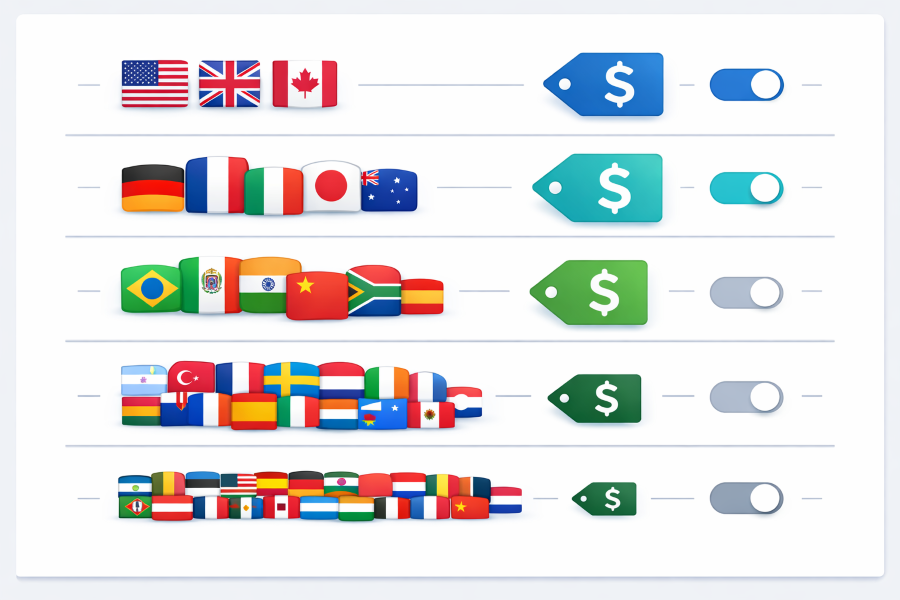
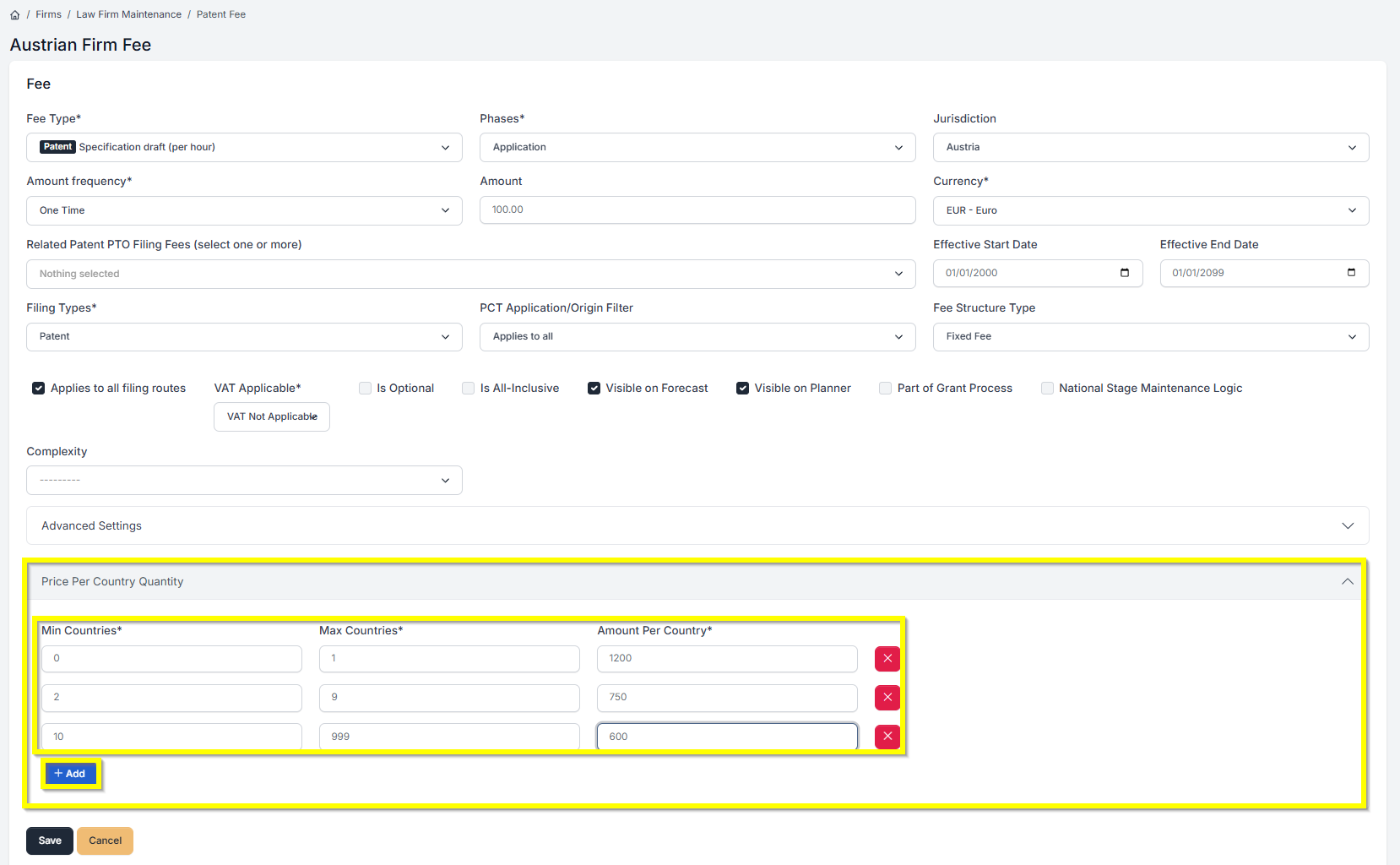



Setting up fees for clients with multi-country filings just got a lot more flexible. You can now configure tiered pricing that...Read More

Automate Your Patent and Trademark Forecasts and Portfolio Uploads With the Prokurio API If you’ve been using Prokurio to forecast patent...Read More

Great news! IP Forecaster now supports utility model estimates! When building a patent/national forecast, the system will now automatically detect which...Read More

Zambia will implement revised individual fees under the Madrid Protocol, impacting international applications, subsequent designations, and renewals. The changes take...Read More

