

Once you are done importing your Excel file, you can easily edit your portfolio data. This is where you can also verify if the import was successful.
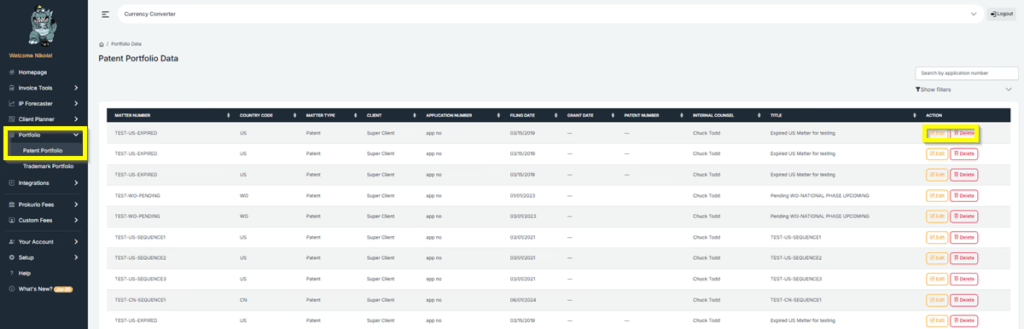
- On the right side of your homepage, under “Portfolio”. Click Patent Portfolio or Trademark Portfolio. You will then see your Portfolio Data.
Patent Portfolio Data
Trademark Portfolio Data
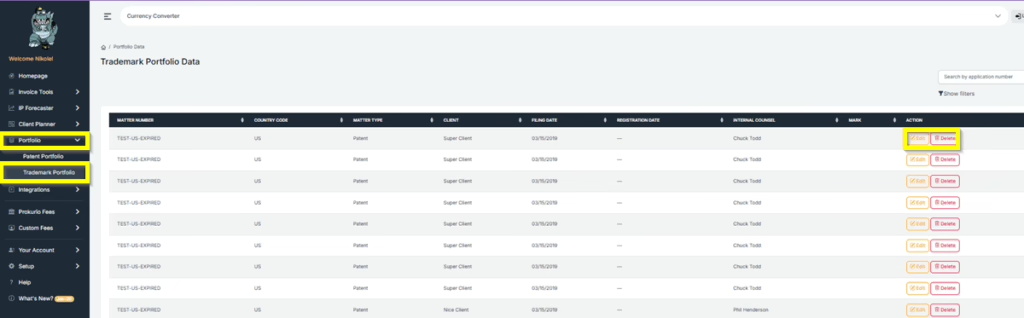
- Select the data you would need to edit or verify, then click Edit or Delete.
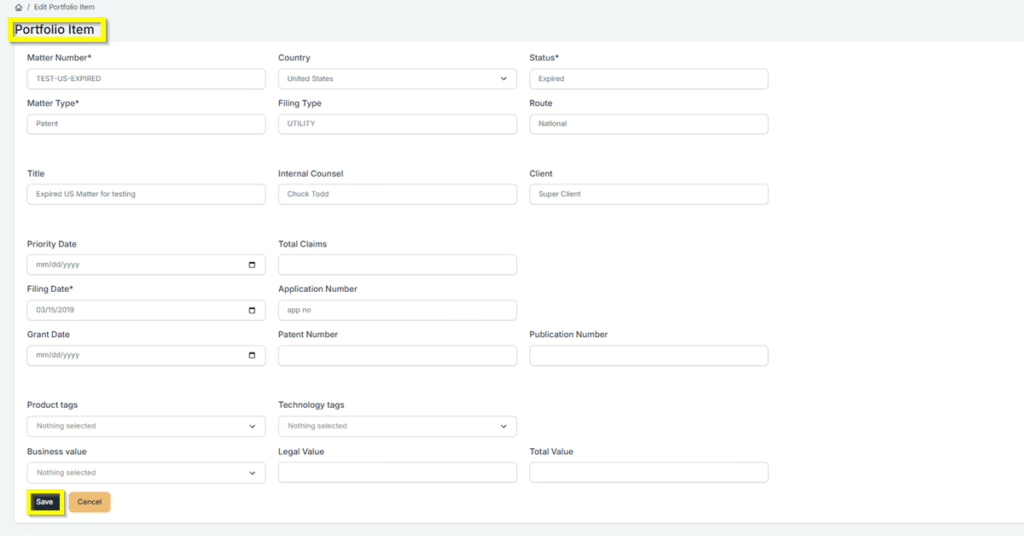
Click Save once you are done with the changes.
If you need any additional assistance, please contact us at support@prokurio.com, and we’ll get you the answers you need!