

MCP Access is where you connect AI assistants and agents to Prokurio over MCP. Create a client for each system that should call your MCP tools, grant it only the tools it needs, and rotate or deactivate its credentials at any time.
- In the top-left icon rail, click the gear icon to open Settings.
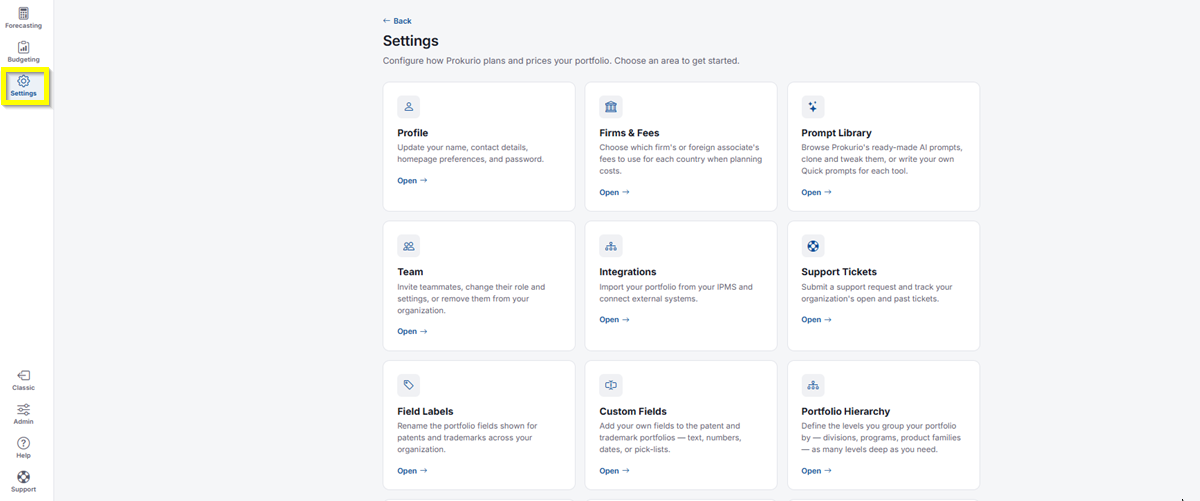
- Click MCP Access.
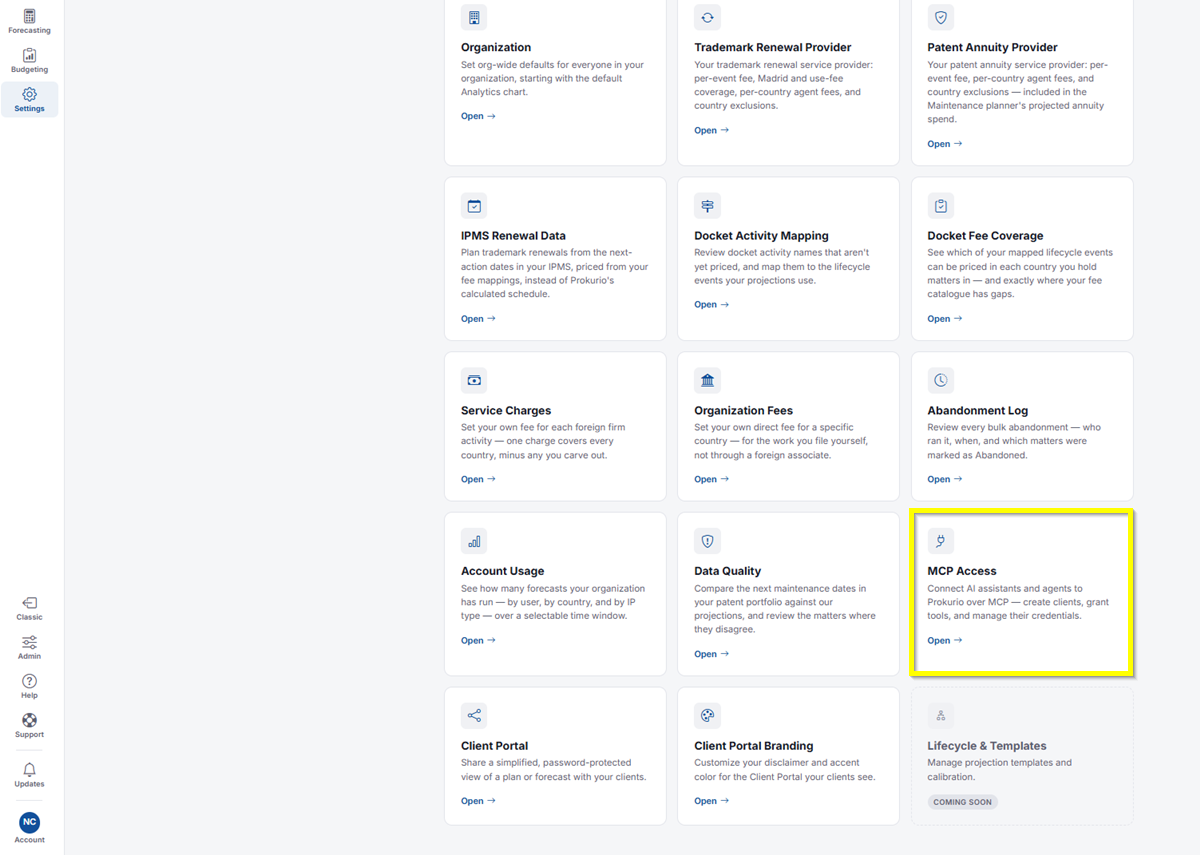
Creating a Client
MCP Access page showing the New client section and the How to connect section
- Under New client, enter a name for the system that will connect, for example, the assistant and the team using it.
- Click Create client.
- The bearer token is shown once, right after creation, so copy it before you leave the page.
- New clients start with no tools granted. Enable each tool the client needs afterwards.
How to Connect
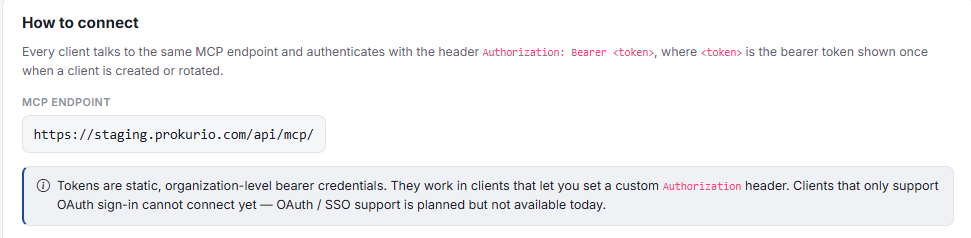
Every client talks to the same MCP endpoint and authenticates with the headerAuthorization: Bearer <token>, where <token> is the bearer token shown once when a client is created or rotated. Use the MCP endpoint shown on the page.
- Tokens are static, organization-level bearer credentials. They work in clients that let you set a custom
Authorizationheader. Clients that only support OAuth sign-in cannot connect yet. OAuth and SSO support is planned but not available today.
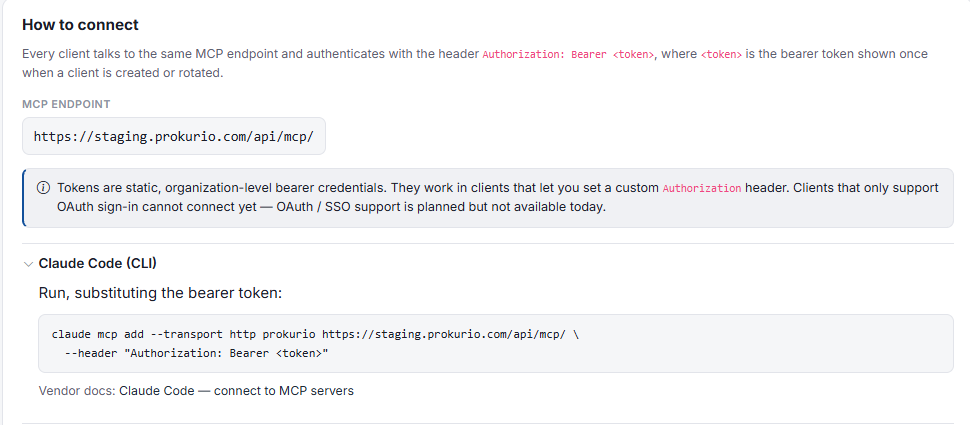
Claude Code (CLI)
- Run this command, substituting your MCP endpoint and the bearer token:
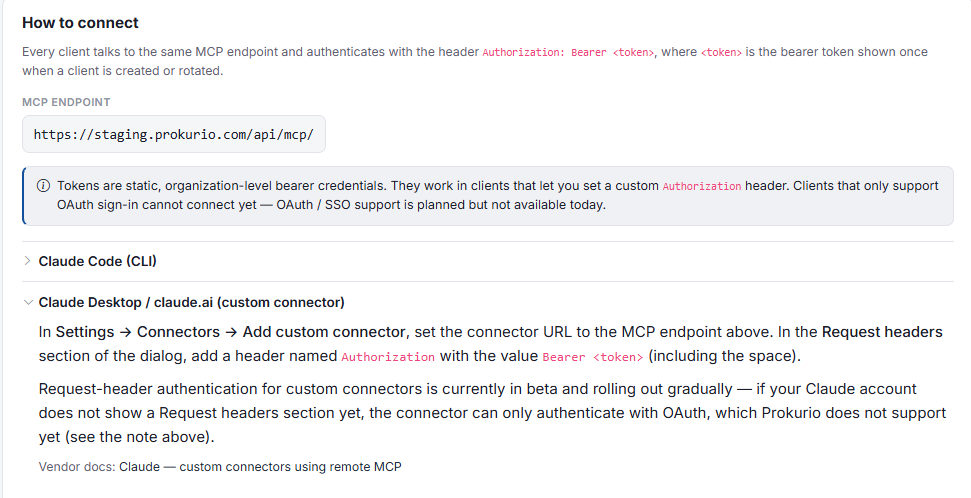
Claude Desktop and claude.ai (Custom Connector)
- In Settings, then Connectors, click Add custom connector.
- Set the connector URL to the MCP endpoint.
- In the Request headers section of the dialog, add a header named
Authorizationwith the valueBearer <token>, including the space. - Request header authentication for custom connectors is currently in beta and rolling out gradually. If your Claude account does not show a Request headers section yet, the connector can only authenticate with OAuth, which Prokurio does not support yet.
GitHub Copilot (VS Code)
How to connect section showing the GitHub Copilot and ChatGPT instructions
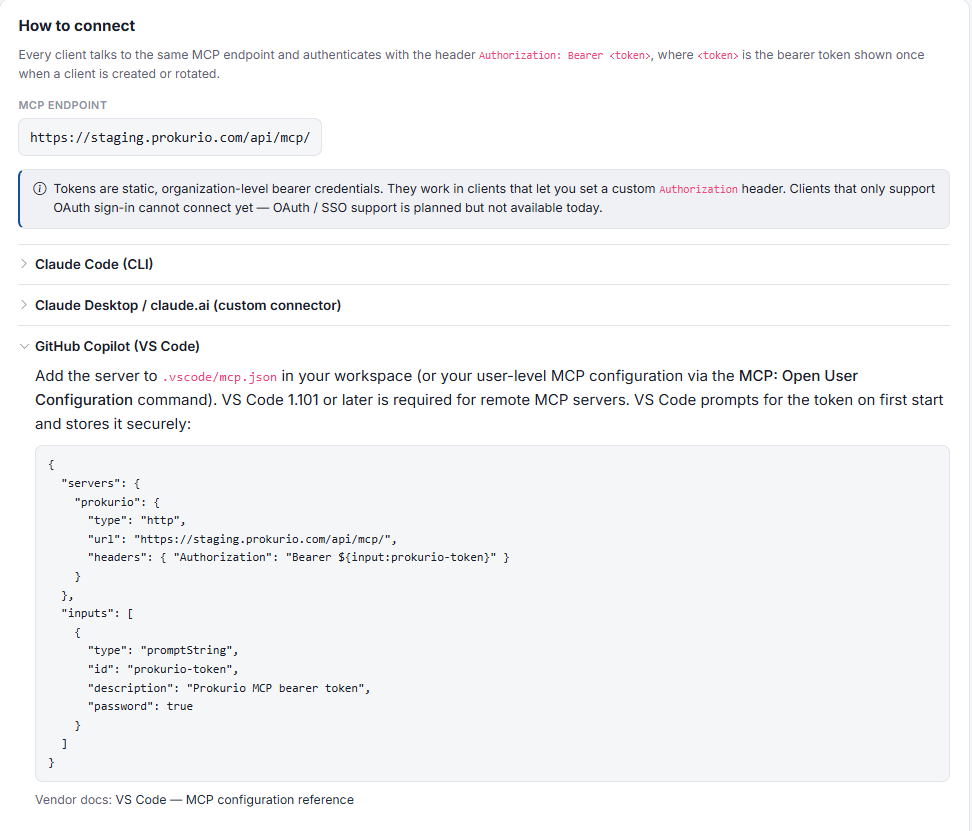
- Add the server to
.vscode/mcp.jsonin your workspace, or to your user-level MCP configuration using the MCP: Open User Configuration command. - VS Code 1.101 or later is required for remote MCP servers.
- VS Code prompts for the token on first start and stores it securely.
ChatGPT
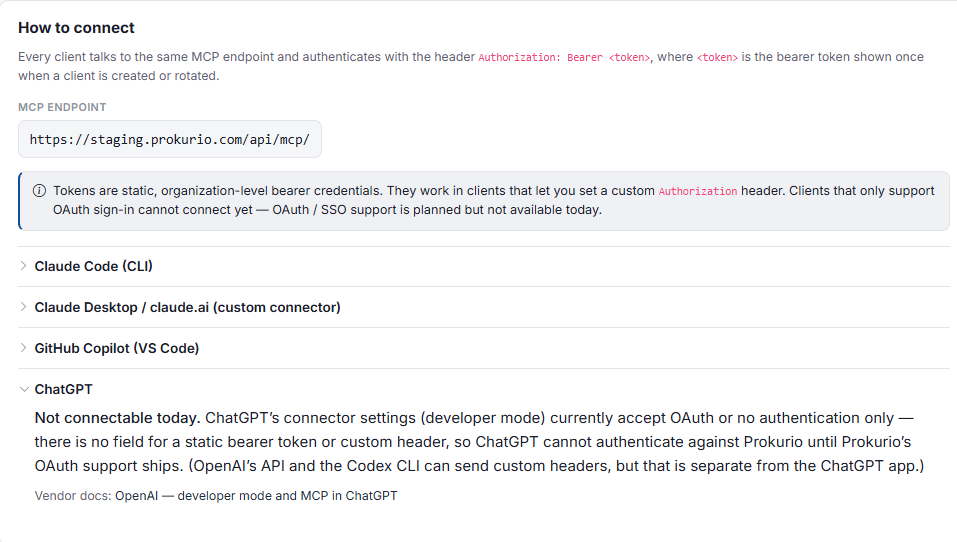
- ChatGPT is not connectable today. ChatGPT’s connector settings (developer mode) currently accept OAuth or no authentication only. There is no field for a static bearer token or custom header, so ChatGPT cannot authenticate against Prokurio until Prokurio’s OAuth support ships. OpenAI’s API and the Codex CLI can send custom headers, but that is separate from the ChatGPT app.
If you need any additional assistance, please contact us at support@prokurio.com, and we’ll get you the answers you need!