

Portfolio files usually arrive with a next maintenance date already filled in. Most of them agree with the date Prokurio projects from the matter’s own filing and grant dates. Data Quality shows you the ones that don’t. Open a matter to check which date is right.
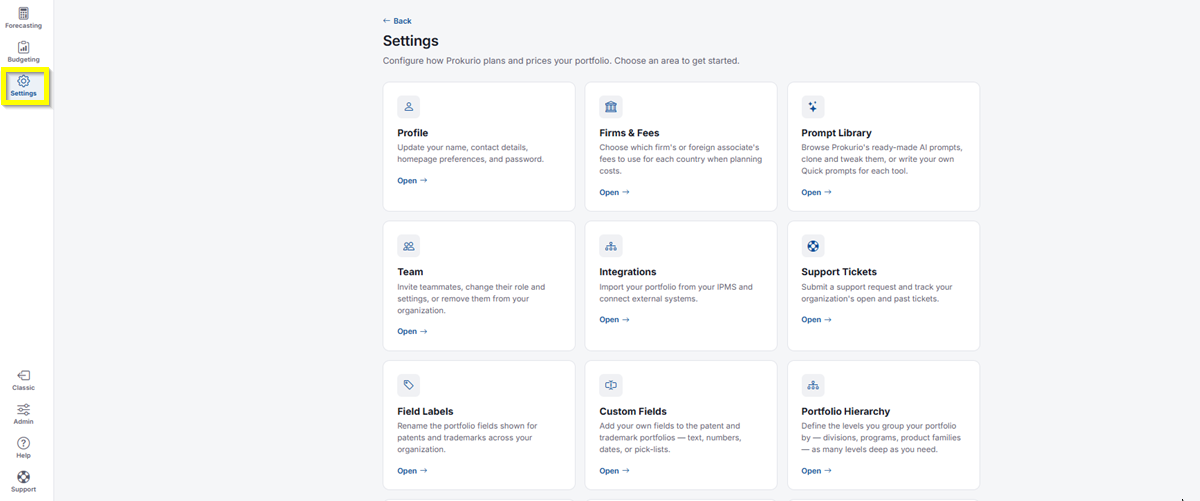
- In the top-left icon rail, click the gear icon to open Settings.
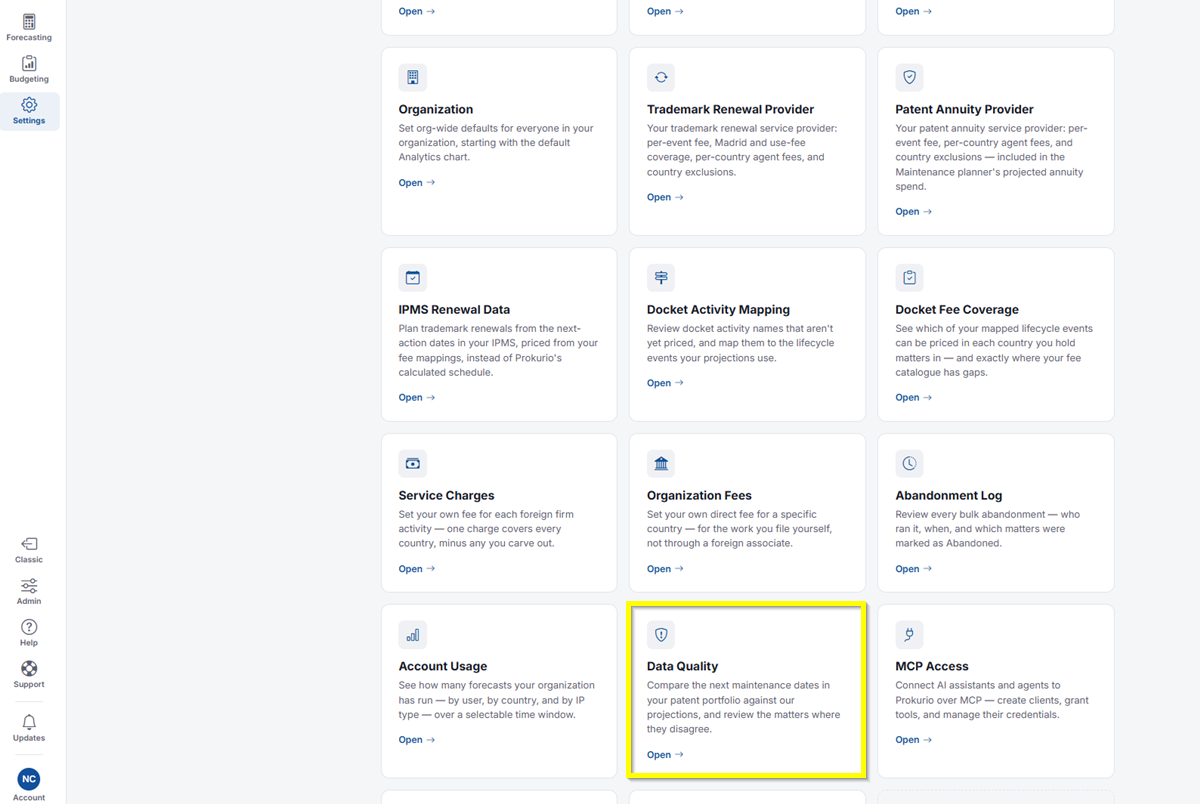
- Click Data Quality.
- Across the top, you’ll see four counts: Matters compared, Dates agree, Dates disagree, and No projection.
- Report a discrepancy when the dates differ by: Select a threshold. Your options are Any difference, More than 7 days, More than 30 days, and More than 90 days. Renewal dates often shift by a few days between systems; a full annuity year apart is a real problem.
- If every maintenance date in your portfolio matches Prokurio’s projection, you’ll see a message letting you know. If no patent matters carry both an imported maintenance date and a forecast yet, there’s nothing to compare. Import a portfolio with a next maintenance date and run a forecast to see this report.
If you need any additional assistance, please contact us at support@prokurio.com, and we’ll get you the answers you need!