

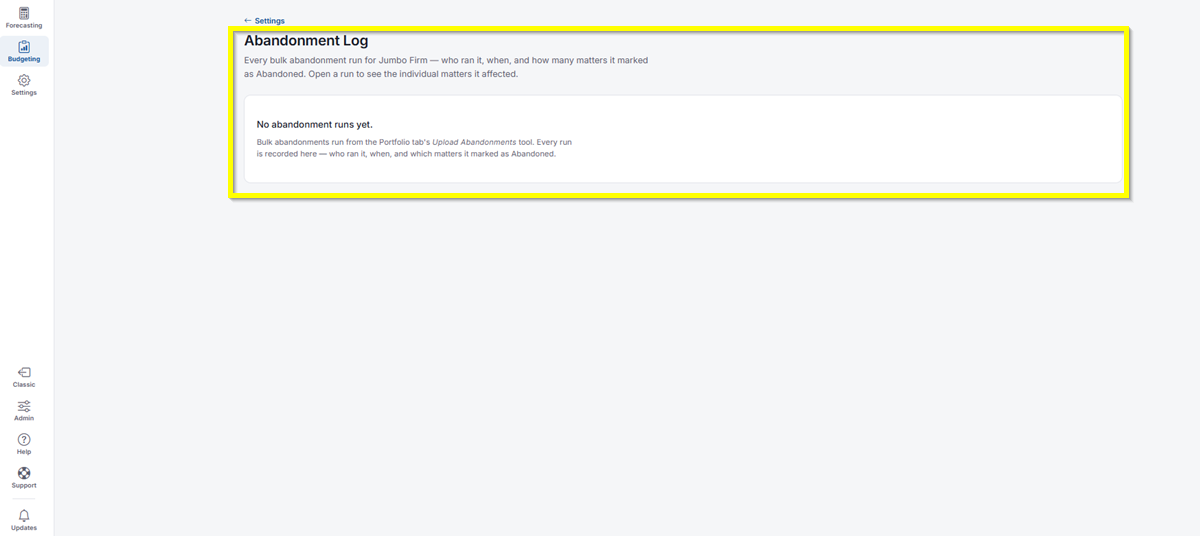
Abandonment Log shows every bulk abandonment run for your organization: who ran it, when, and how many matters it marked as Abandoned. Open a run to see the individual matters it affected.
- In the top-left icon rail, click the gear icon to open Settings.
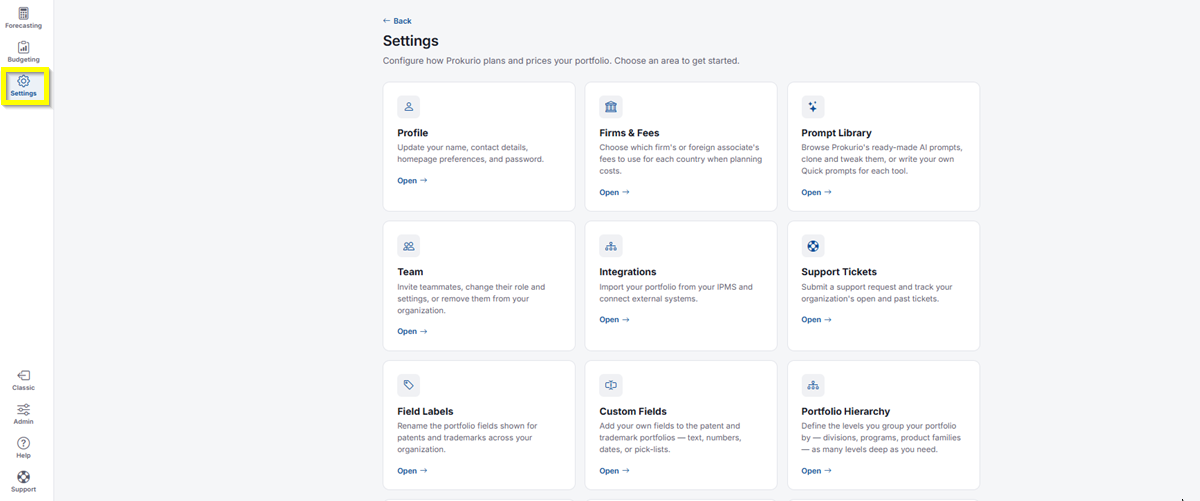
- Click Abandonment Log.
- If you haven’t run a bulk abandonment yet, you’ll see a message letting you know. Bulk abandonments are run from the Portfolio tab’s Upload Abandonments tool. Every run is recorded here, showing who ran it, when, and which matters it marked as Abandoned.
If you need any additional assistance, please contact us at support@prokurio.com, and we’ll get you the answers you need!