
Easily import a spreadsheet and skip the process of manually setting up your forecast.
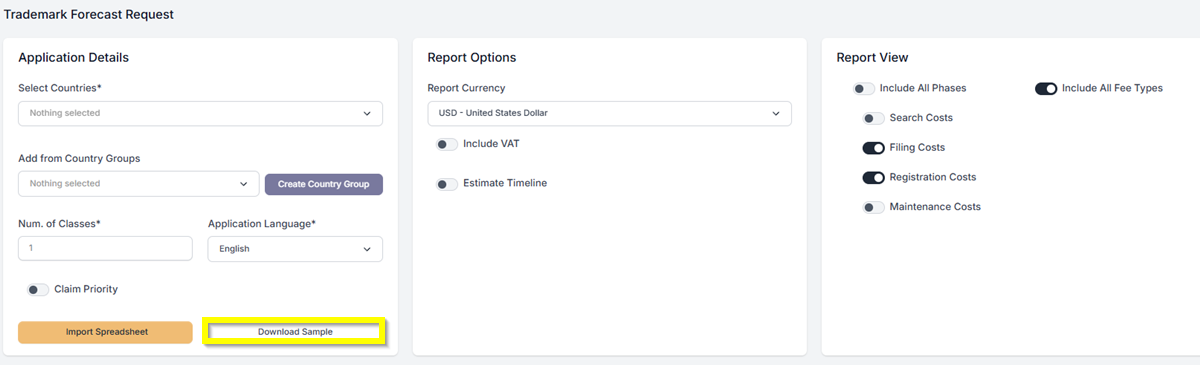
- If you dont have the spreadsheet yet, you can click on Download Sample.
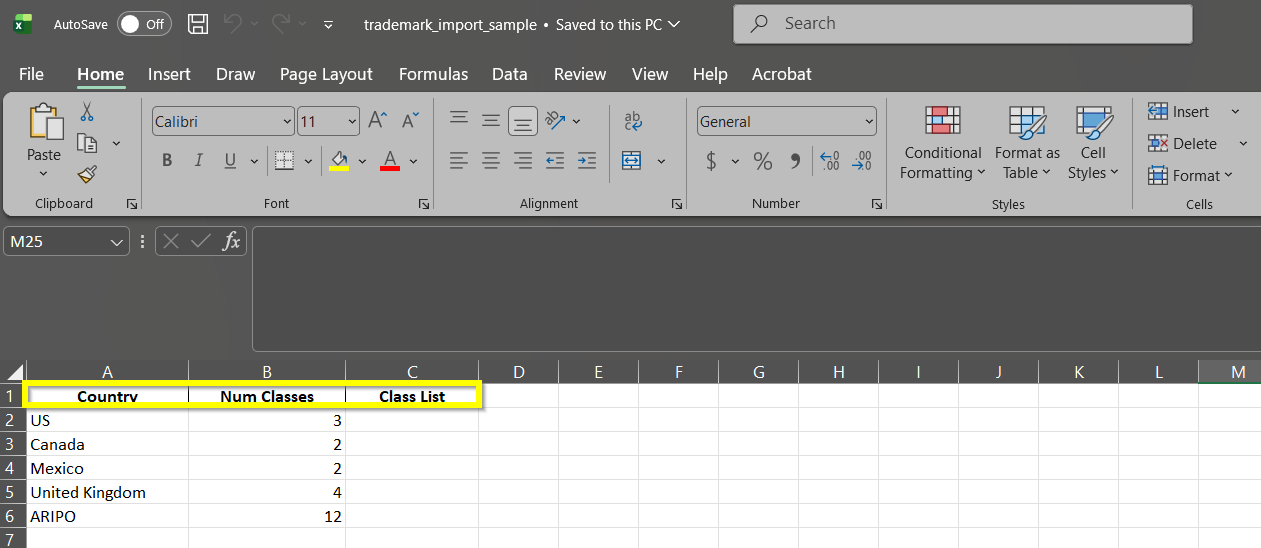
- After downloading, input the required data in the Excel file: Country, Number of Classes, or Class List. Then, after all the information is complete, save the file.
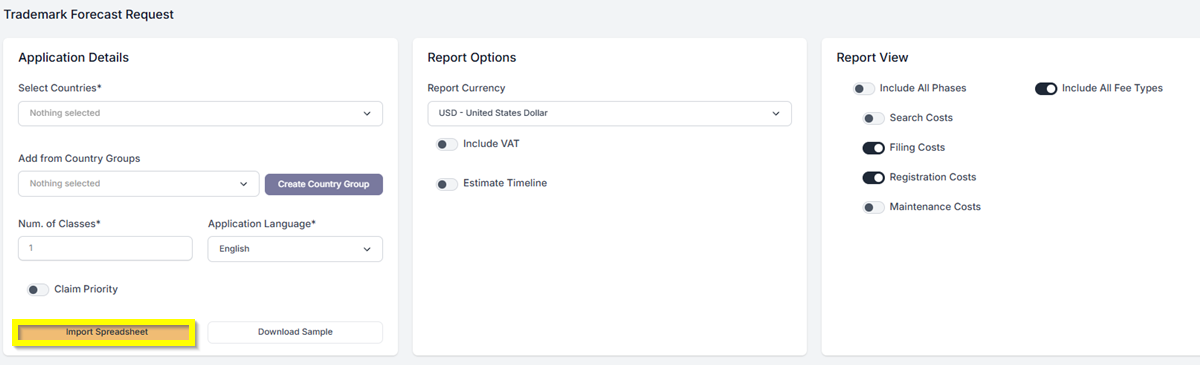
- Next, click Import Spreadsheet to upload your file to the system.
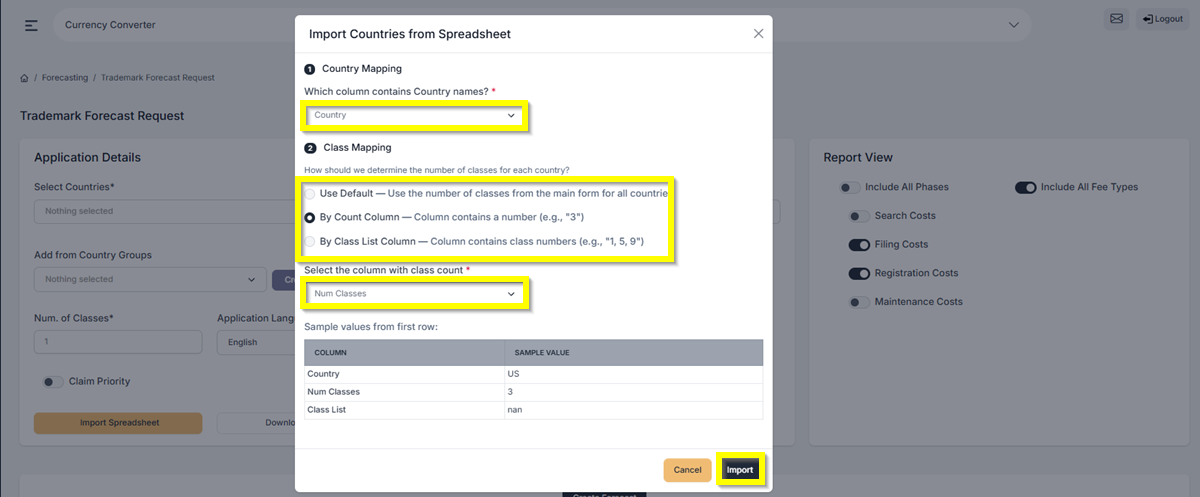
- There will be a pop-up window that you will need to fill out.:
Country Mapping – Select Country
Under Class Mapping, you can select from 3 options: Use Default, By Count Column, or By Class Column. After selecting one, select the column that will match the Class Count. - Click Import once done.
Once it’s finished importing, you can now continue with your forecast.
If you need any additional assistance, please contact us at support@prokurio.com, and we’ll get you the answers you need!

