
You can customize several options under the Country Settings.
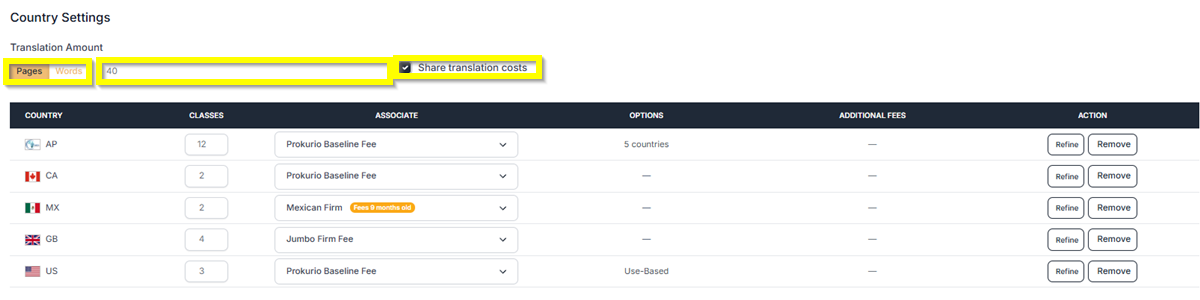
- Under the Translation Amount, you can set the rate per page or per word—simply enter the required amount. You can also choose whether the translation cost should be shared across countries.
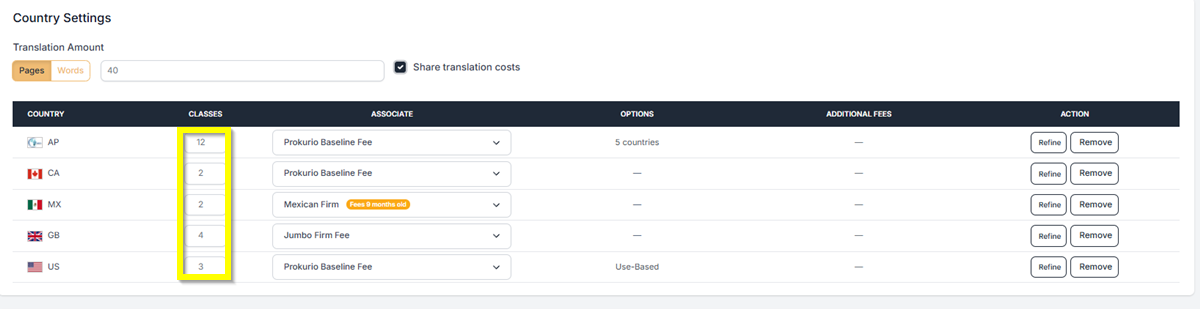
- You can also update the number of Classes per country under these settings. Just input the number of classes.
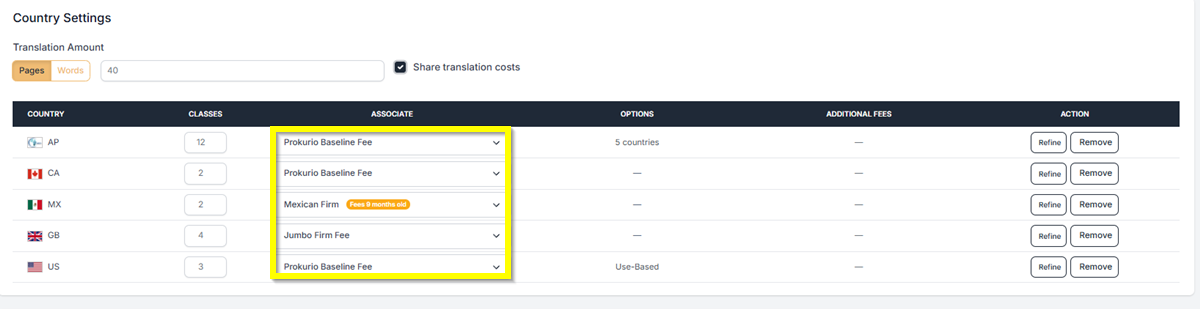
- Under Associate, you have the option to select which Law Firm you want to use for a specific country. Just click the drop-down button to select it.
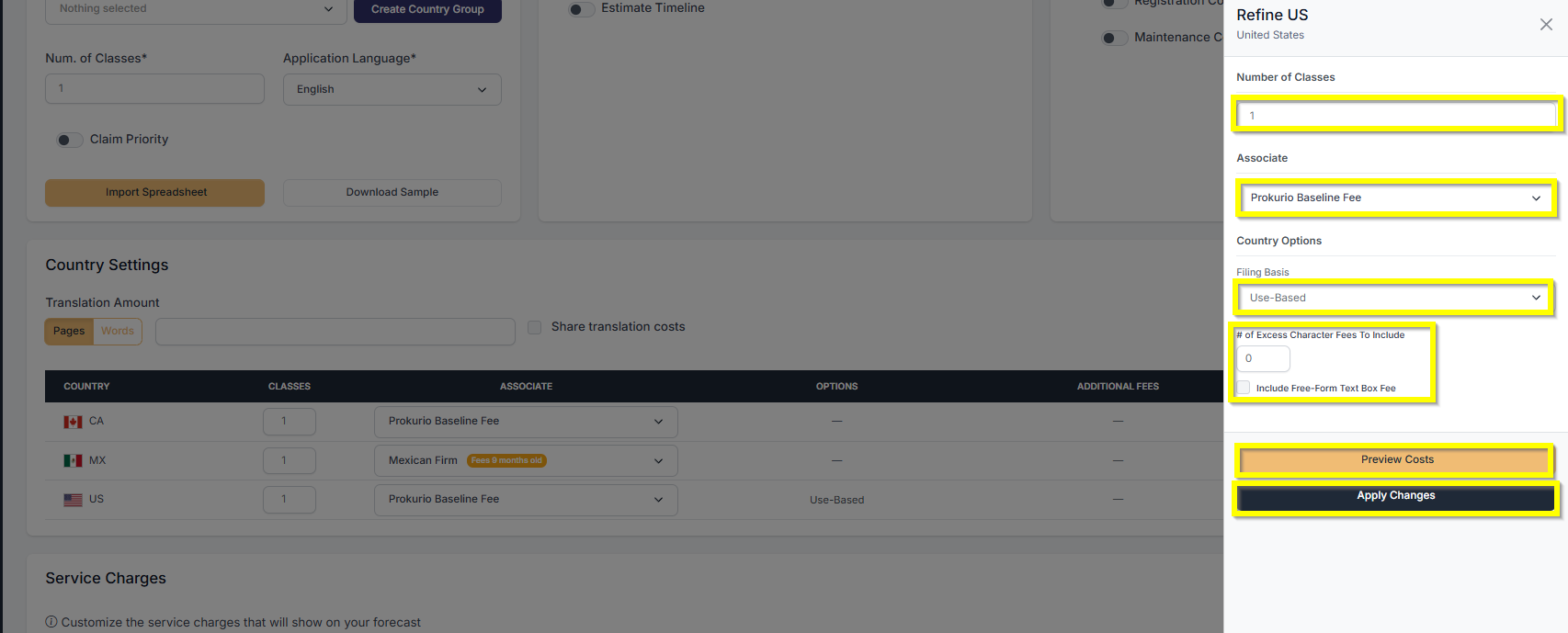
- To edit all options for a country at once, click the Refine button in the Action column.
- Once done, click on the Create Forecast button to generate your forecast at the bottom of the screen.
You are now done with creating your Trademark Forecast.
If you need any additional assistance, please contact us at support@prokurio.com, and we’ll get you the answers you need!

